如果允许用户取消预配来管理企业帐户中的组织成员身份,最终可能会获得一个没有组织所有者的组织。 更多信息请参阅“在企业帐户中实施安全设置”。
-
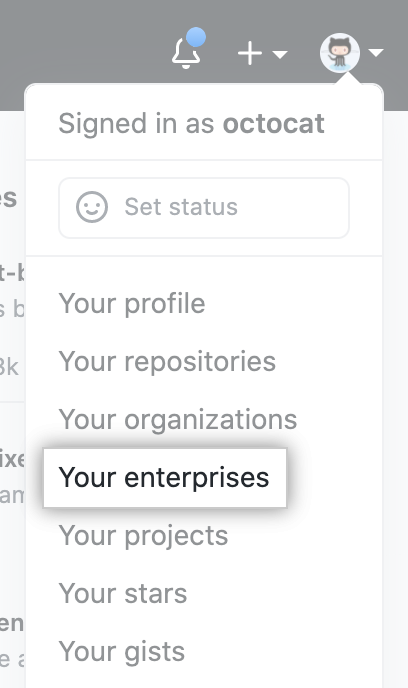
In the top-right corner of GitHub, click your profile photo, then click Your enterprises.
-
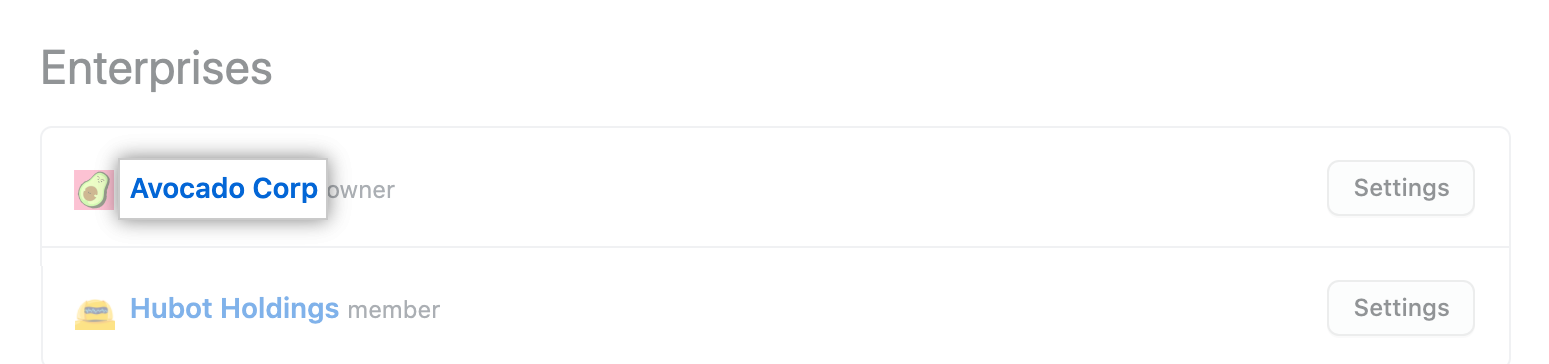
In the list of enterprises, click the enterprise you want to view.
-
在搜索字段的右侧,单击 X unowned(没有所有者)。

-
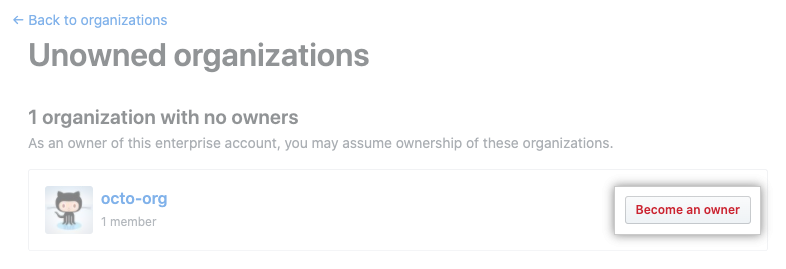
在您想拥有所有权的组织右侧,单击“Become an owner(成为所有者)”。
-
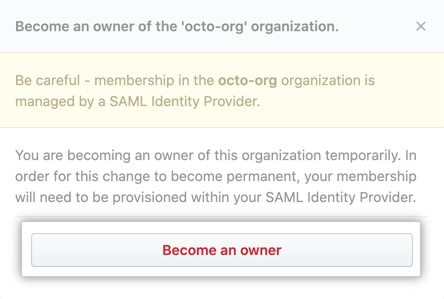
阅读警告,然后单击 Become an owner(成为所有者)。