You can also give the upstream repository's maintainers permission to push commits to a user-owned fork. Se sua pull request comparar o branch de tópico com um branch no repositório upstream como o branch base, o branch de tópico também será chamado de branch de comparação da pull request. For more information about pull request branches, including examples, see "Creating a pull request."
Note: To open a pull request in a public repository, you must have write access to the head or the source branch or, for organization-owned repositories, you must be a member of the organization that owns the repository to open a pull request.
- Navigate to the original repository where you created your fork.
- To the right of the Branch menu, click New pull request.
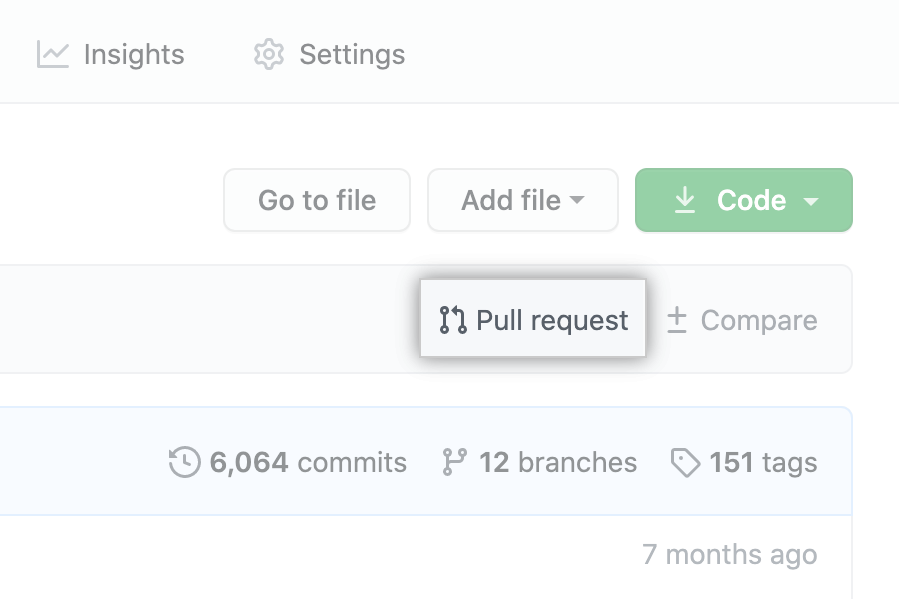
- Na página de comparação, clique em compare across forks (comparar entre bifurcações).

- In the "base branch" drop-down menu, select the branch of the upstream repository you'd like to merge changes into.

- In the "head fork" drop-down menu, select your fork, then use the "compare branch" drop-down menu to select the branch you made your changes in.

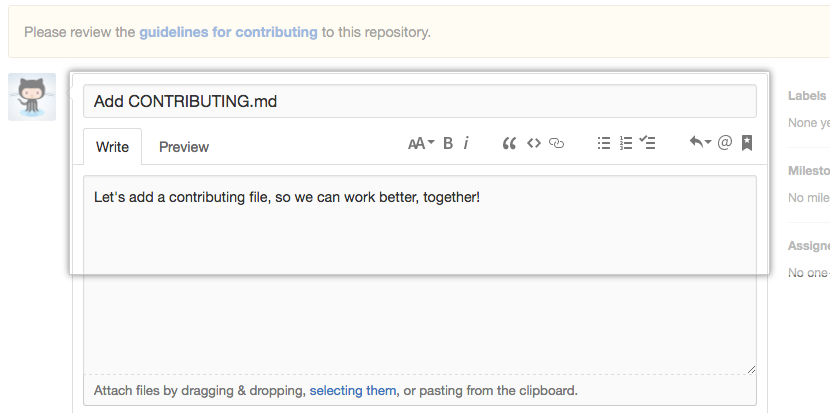
- Digite um título e uma descrição para a pull request.
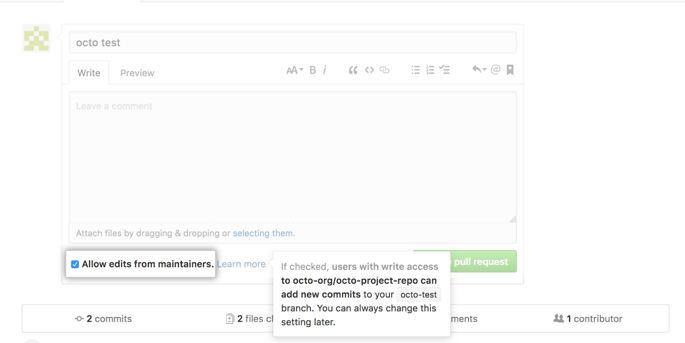
- On user-owned forks, if you do not want to allow anyone with push access to the upstream repository to make changes to your pull request, unselect Allow edits from maintainers.
- To create a pull request that is ready for review, click Create Pull Request. To create a draft pull request, use the drop-down and select Create Draft Pull Request, then click Draft Pull Request. Para obter mais informações sobre pull requests em rascunho, consulte "Sobre pull requests".

Tip: After you create a pull request, you can ask a specific person to review your proposed changes. Para obter mais informações, consulte "Solicitar uma revisão de pull request".