仓库的 GitHub Dependabot 警报选项卡列出所有打开和关闭的 GitHub Dependabot 警报 以及对应的 GitHub Dependabot 安全更新。 您可以使用下拉菜单对警报列表进行排序,并且可以单击特定警报以获取更多详细信息。 For more information, see "About alerts for vulnerable dependencies."
您可以为使用 GitHub Dependabot 警报 和依赖关系图的任何仓库启用自动安全更新。 更多信息请参阅“配置 GitHub Dependabot 安全更新”。
- 在 GitHub 上,导航到仓库的主页面。
- 在仓库名称下,单击 Security(安全)。

- 在安全边栏中,单击 Dependabot alerts(Dependabot 警报)。

- 单击您想要查看的警报。

- 查看漏洞的详细信息以及包含自动安全更新的拉取请求(如果有)。
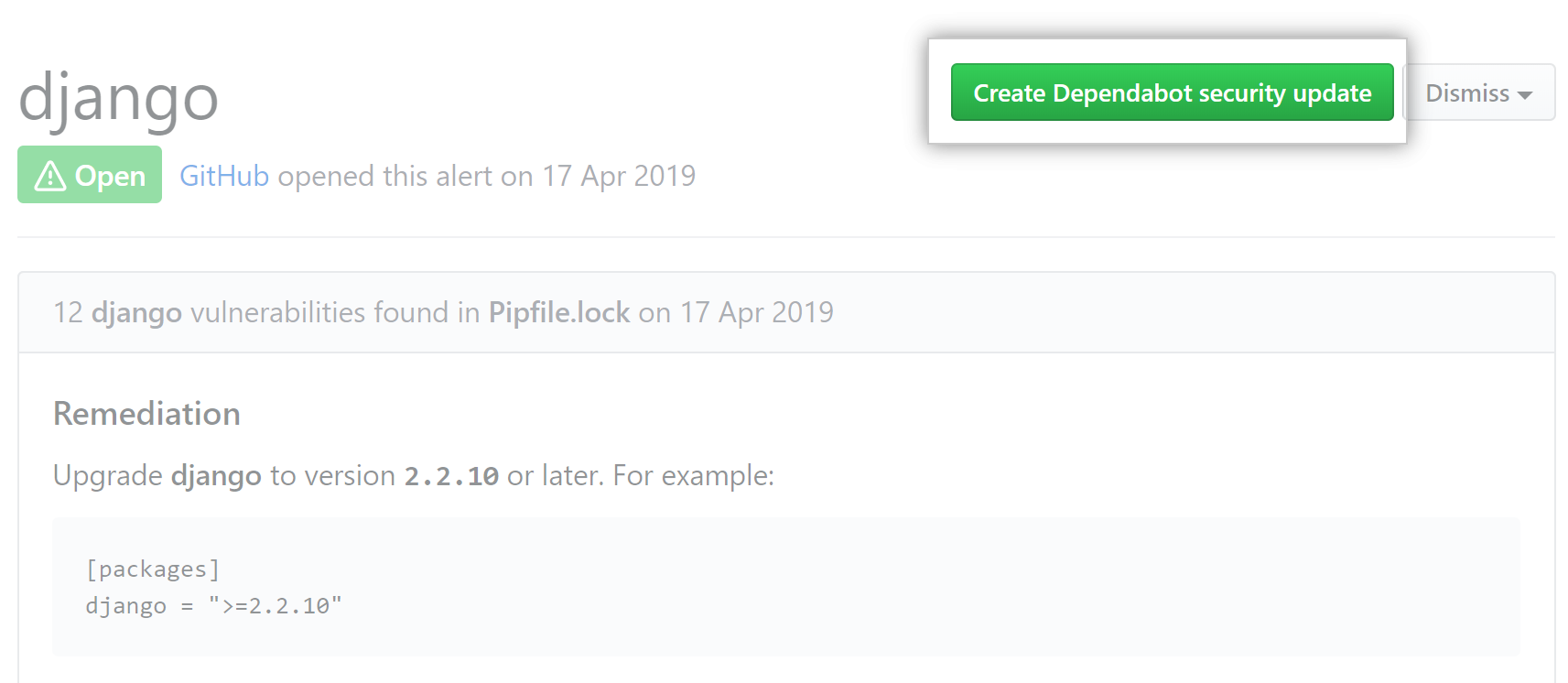
- (可选)如果还没有针对该警报的 GitHub Dependabot 安全更新 更新,要创建拉取请求以解决该漏洞,请单击 Create Dependabot security update(创建 Dependabot 安全更新)。
- 当您准备好更新依赖项并解决漏洞时,合并拉取请求。
- Optionally, if the alert is being fixed, if it's incorrect, or located in unused code, use the "Dismiss" drop-down, and click a reason for dismissing the alert.
