Article version: GitHub.com
Linking to releases
You can share every release you create on GitHub with a unique URL.
Were you able to find what you were looking for?
Thank you! Your feedback has been submitted.
- On GitHub, navigate to the main page of the repository.
- Under your repository name, click Releases.

- Find the release you want to link to and click the version number.

- Alternatively, right click Latest Release and copy the URL to share it. The suffix of this URL is always
/releases/latest.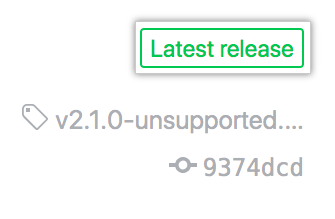
To link directly to a download of your latest release asset, link to /owner/name/releases/latest/download/asset-name.zip.